33. Link Groups
You can link multiple parameters with the Link Groups method.
See video
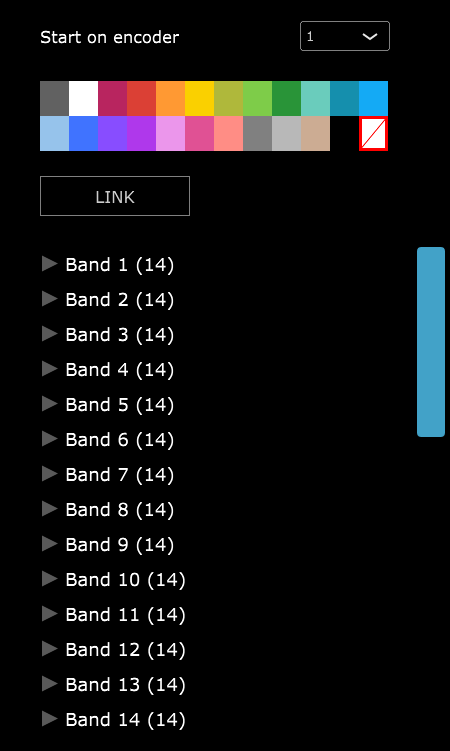
If the plugin displays the parameters in groups, selecting a group will link all the parameters within a group.
You can select a color and all the parameters will get that color on the encoders after linking.
If the plugin does not report its parameters in groups you can select them one by one or hold the ctrl (Windows) or Option (Mac), to select individual parameters you want to link or use shift to select multiple parameters, (or Shift to select consecutive parameters).
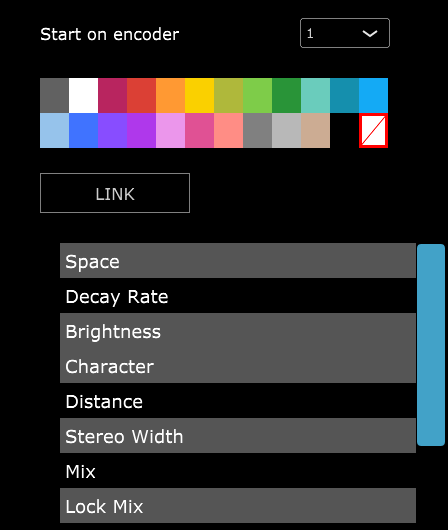
When you select individual parameters and select a color, it will assign the first parameter the color you selected and assign the next color in line to the next parameter and so on.