# 37. Transferring the mouse pointer to the DAW display (Move Mouse Option)
##### Mouse Back Option
If you right click on the controller window, in the menu, there is the option "Move mouse to Controller".
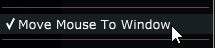
When checked, left clicking on the MPH small window to open the plugin on the controller (both for Multi and Single Hosts)
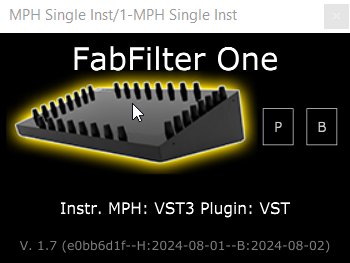
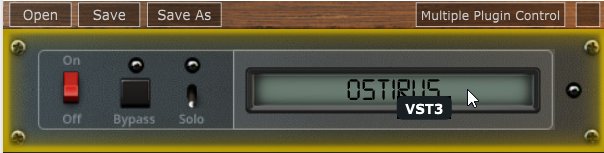
will automatically transfer the mouse pointer on the controller window. This option was made for convenience so that you don't need to drag the mouse from/to the controller.
When disabled, right clicking on a MPH to open the plugin on the controller will automatically move the mouse pointer to the controller window.
The option is global and it will affect all plugins once enabled without the need of reloading the MP Host plugins.
There is also a button on the controller window which when clicked will transfer the mouse pointer back to your main screen.
