If the utility crashes during scanning it will resume from the last plugin scanned when you reopen and scan with the utitlity . The plugin scan results are saved after every plugin is scanned. If the utility fails to load/scan a specific plugin that does not mean it will not work in the MP Host. When a plugin fails to scan, the utility adds the plugin to the Plugin-Exclude-List.txt so that it is not scanned the next time. The results of the utility are saved in scannedplugins.xml which is the file used by the MP Host to list plugins. *If the utility crashes repeatedly check the file **PluginScanner-Loading.txt** in the ../MP/Host/ folder and you can see which is the plugin causing the issue. You can add manually the plugin in the **Plugin-Exclude-List.txt** so it will not attempt to rescan it.*
[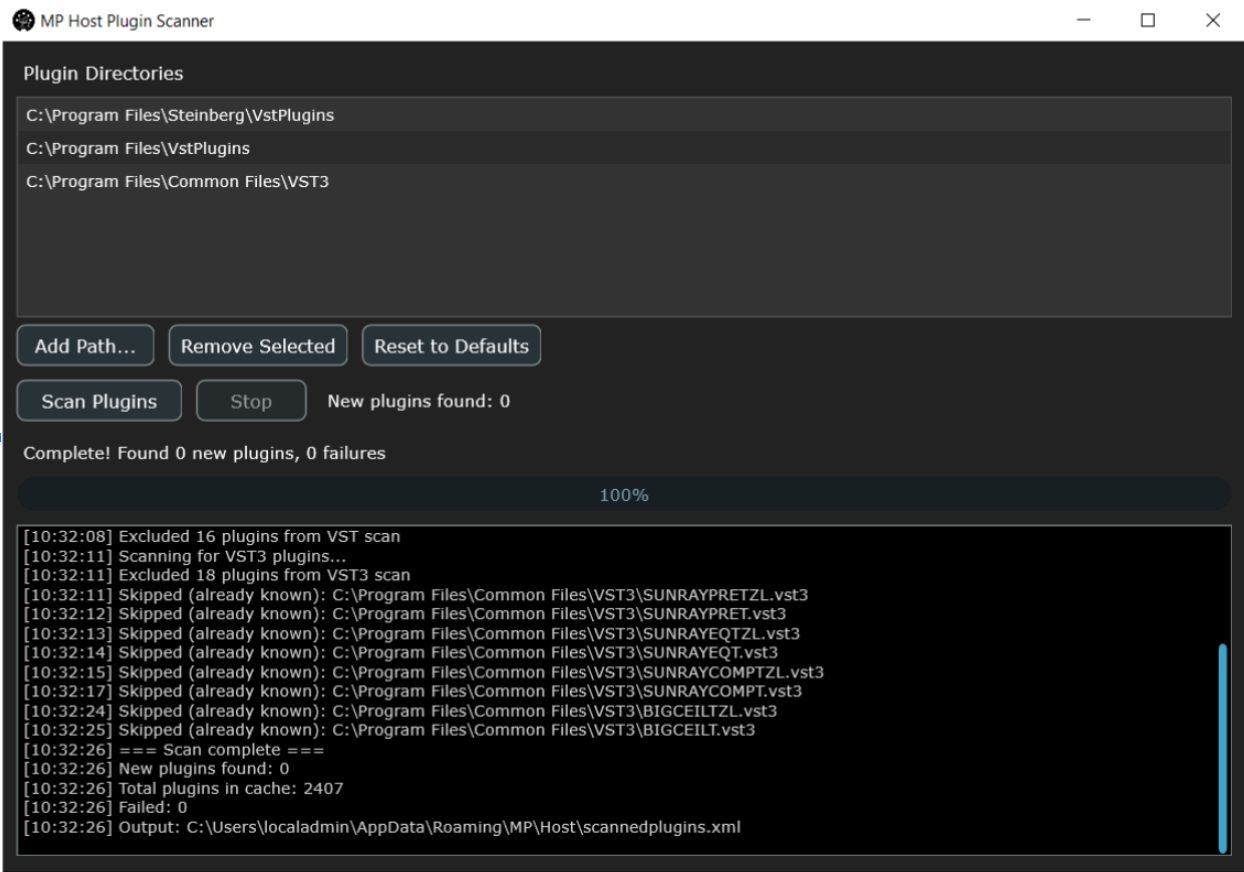](https://kb.mpmidi.com/uploads/images/gallery/2026-02/QSy0wpAXMB33LzYK-image.png) This is an **optional** utility and when used it offers the following benefits:The MP Host will populate/scan the plugin details on first load, therefore scanning all plugin is not essential.
1\. The plugin list is populated when you open the MP Host. [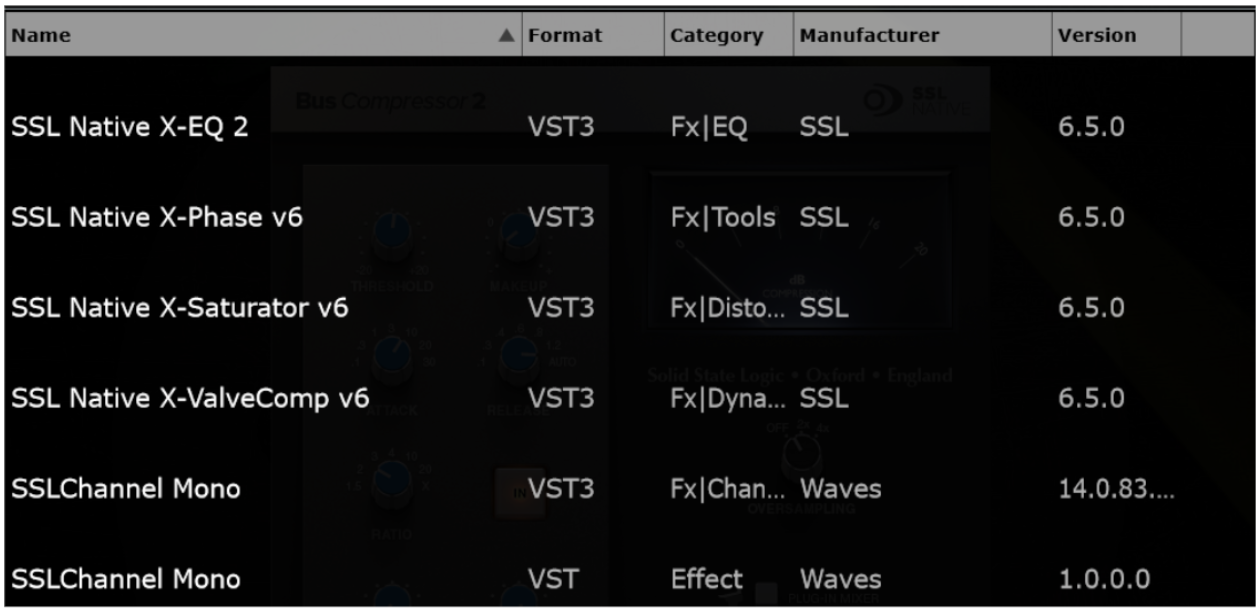](https://kb.mpmidi.com/uploads/images/gallery/2026-02/I5gP8gCVnqoY712z-image.png) 2\. The Instruments and effects are not shown in each other’s plugin list. [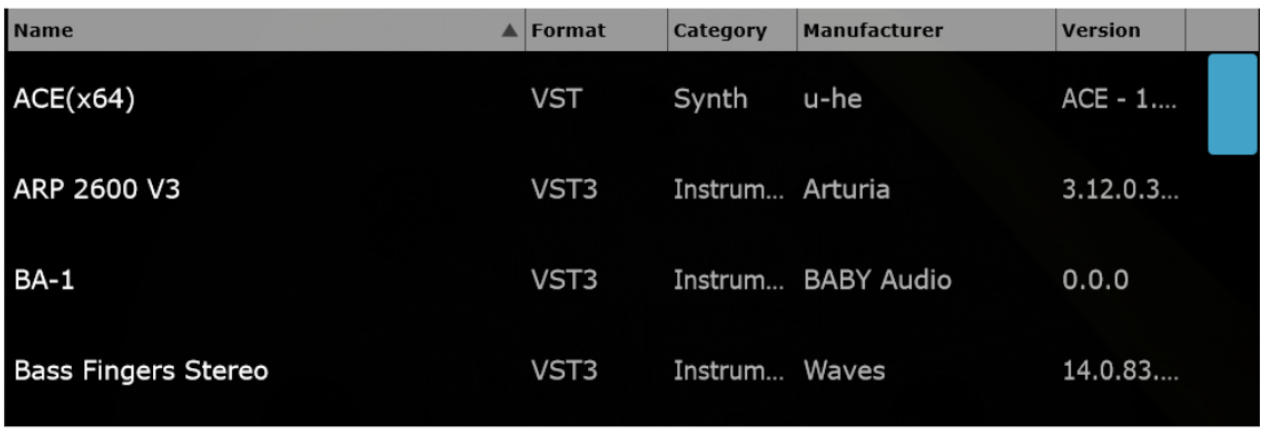](https://kb.mpmidi.com/uploads/images/gallery/2026-02/fmHUCmaPt7pGjGhK-image.png) This utility is **optional** and the MP Host will populate the plugin name information the first time you load it as it only reads the plugin filenames. Once a plugin is loaded in the MP Host, the Category, Manufacturer and Version are populated as well. This utility, when used it will show the Category, Manufacturer and Version for all plugins (prior to loading them in the MP Host).