# 8. Mac - Troubleshooting in depth the C1-xMP1 MIDI Controller
The C1-xMP1 is the midi device of the MP Controller.
If it **does** show up in the System Report but it still does not found by the MP Host plugin then try the following.
##### Create a new configuration in Mac's MIDI Studio
Click on the dropdown:

Then select New Configuration. This will reset the MIDI studio

You will see the connected MIDI devices
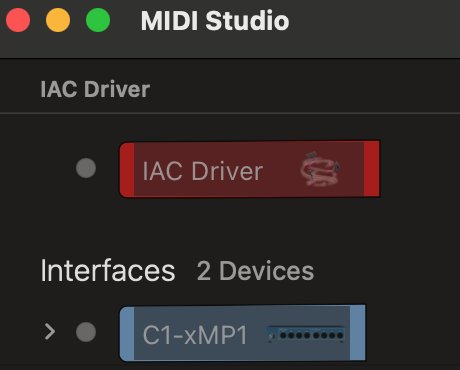
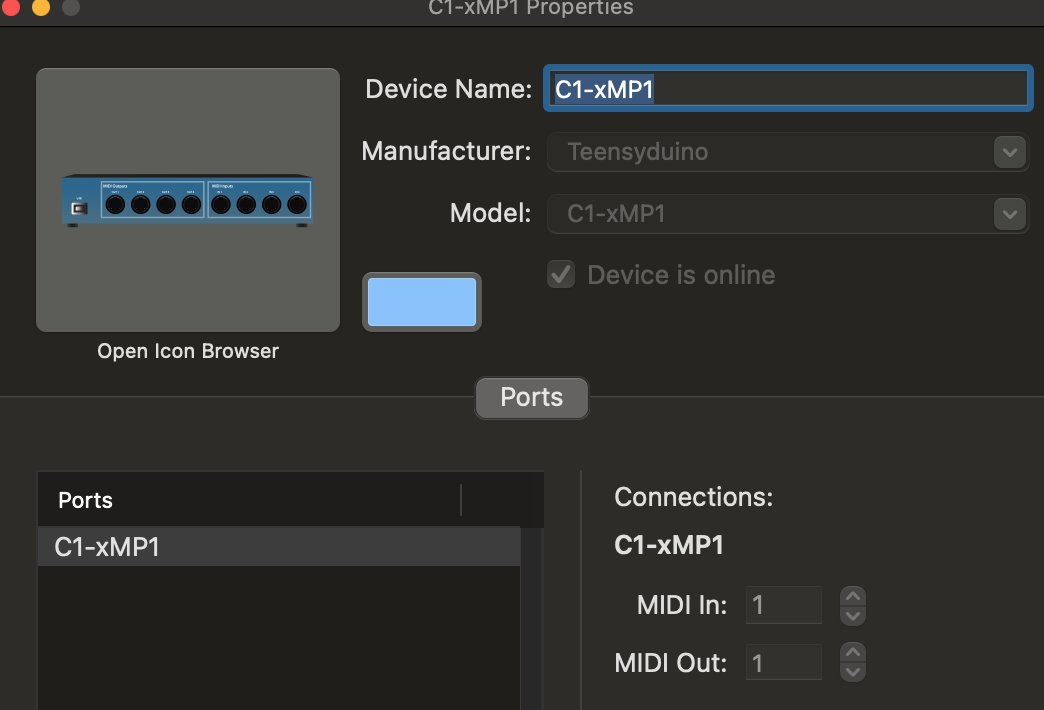
Double click on the C1-xMP1 and you should see that the device is online
---
##### Using the Console to diagnose
The Mac has a build-in Console that shows logs of when hardware connects to the computer.
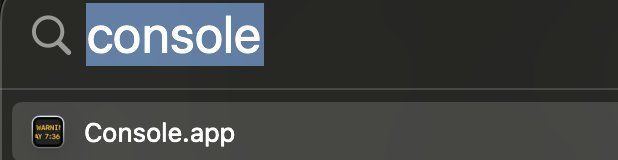
Open the Console
Type in the search area: **icdd, hit enter** and then click on Start

Disconnect the C1-xMP1 cable from the Mac and then connect it again (always on a USB-A port). You should see the following data being populated on the Console.
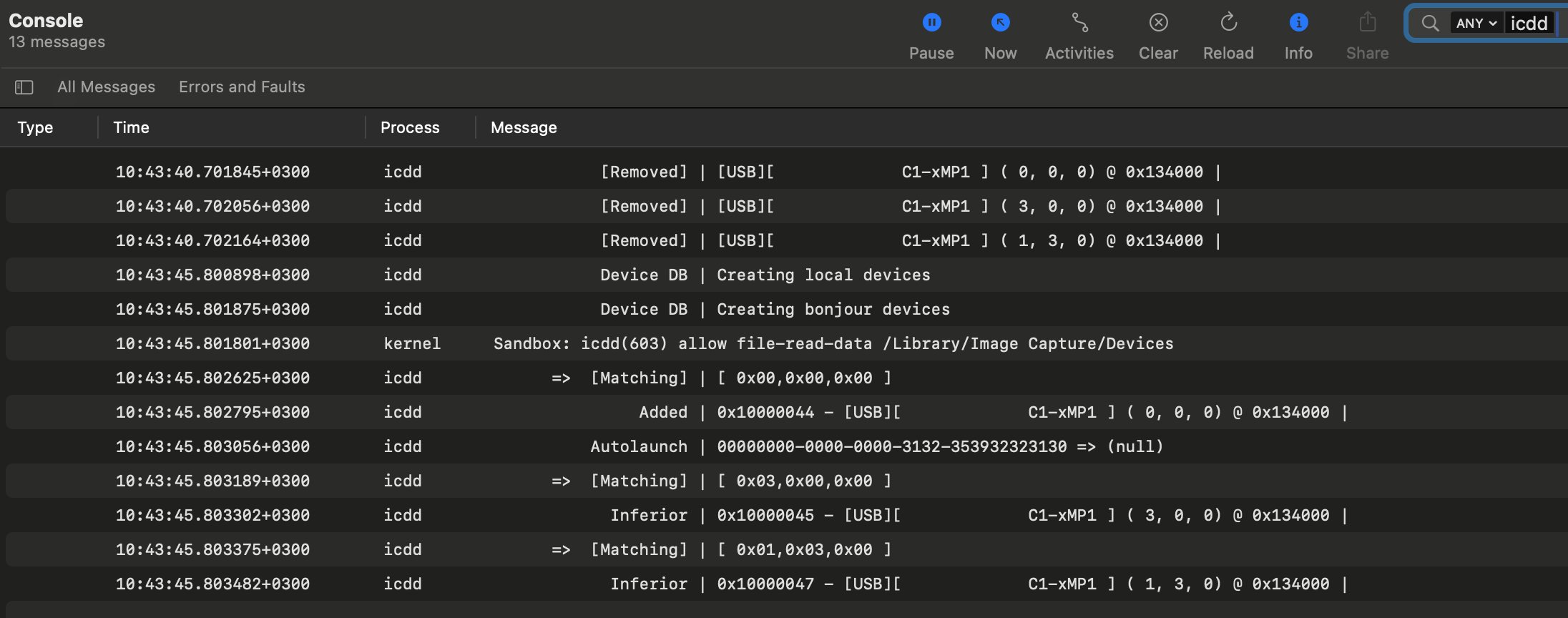
If you don't see this data then click **Pause**, then on **Clear** and then on **Errors and Faults**
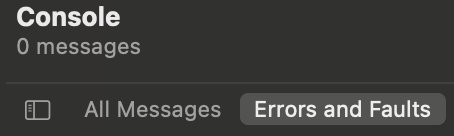
Disconnect the C1-xMP1 and click on Start. Then connect the C1-xMP1.
Check if there are any errors related to C1-xMP1 that appear on the Console.
If there are errors it means there is an issue with the connection. If you are connecting via USB-A and it is still producing errors, you can try using a USB Hub or USB-C docking station that has USB-A ports.