Controller EQ-01 Documentation
The Mixing and Mastering EQ we always wanted.
Controller EQ-01 is a faithful recreation of a classic analog equalizer, bringing its distinctive musical character and precision to modern mixing and mastering workflows.
Through detailed analysis and accurate reproduction of the original hardware's frequency and phase responses, we have recreated its sonic characteristics in a highly optimized plugin that delivers sound virtually indistinguishable from its analog counterpart while using minimal CPU resources.
Designed specifically for the MP Controller, Controller EQ-01 features automatic parameter mapping, allowing effortless, hands-on control of every parameter.
The result is a beautifully musical equalizer that combines the sound and feel of classic analog hardware with the precision, flexibility, and convenience of digital processing.
Made to be used in the MP Host and automaps in an optimal way on the MP Controller.
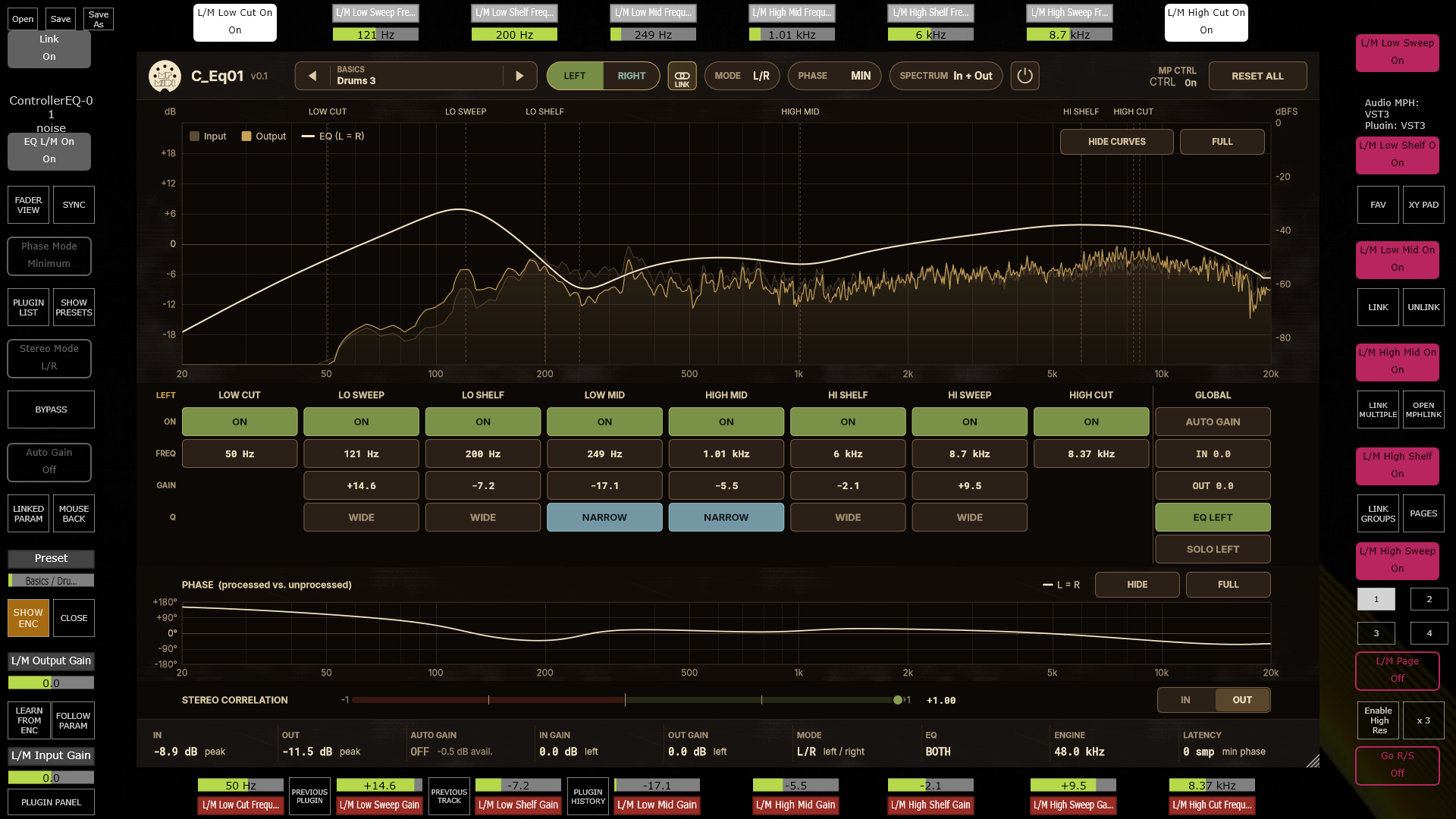
The plugin recreates the curves and phase shift of a classic hardware mastering EQ and uses minimal CPU resources.
It operates in L/R and M/S modes. When unlnked, pressing on Left/Right or Mid/Side buttons the controller goes to the correponding page that carry the selected mode's parameters, so you can control it just like hardware device.
The plugin features an automatic gain compensation so that the output volume remains the same when you tweak parameters.
The plugin operates in minimum and exact phase modes
Phase Modes: Minimum and Exact
Both modes give exactly the same frequency response. They differ only in phase, latency and pre-ringing.
| MIN (Minimum phase) | EXACT | |
|---|---|---|
| Latency | 0 samples | 1024 samples at 44.1 kHz (about 23 ms, the same time at every sample rate) |
| Phase | Built from the magnitude curve alone | The measured phase of CTRL-EQ-01 |
| Pre-ringing | None (all ringing comes after the sound) | Slight, as in the measured EQ |
| Match to the measured EQ |
Magnitude exact, phase within about 2° below 19 kHz | Magnitude exact, phase within 0.85° |
| CPU | Lowest | Slightly higher (more noticeable at 88.2 / 96 kHz) |
How each mode works
- MIN takes the target magnitude and computes the minimum-phase filter that has exactly that magnitude. It is causal: nothing comes out before the input, so there is no latency and no pre-ringing.
- EXACT uses the measured phase as well. The measured responses ring slightly before the main impulse, mostly because of the steep converter edge near 21 kHz in the original's sampled responses. To play that early part, the plugin delays everything by 1024 samples and reports that latency to the host, so your DAW compensates and the track stays in time.
Below 19 kHz the two modes differ by at most a few degrees, which is inaudible on its own.
When to use which
- MIN is the default. Use it for tracking, live use, low-latency monitoring and almost all mixing.
- EXACT is for when you need phase-identical behaviour to the measured EQ, for example:
- nulling it against the original;
- parallel processing, where the EQ'd copy must stay phase-coherent with another copy processed the same way;
- mastering, when you want the exact reference.
Switching modes
The phase display
The phase panel below the spectrum always shows the measured phase. In MIN mode the actual phase is within about 2° of what is drawn below 19 kHz.
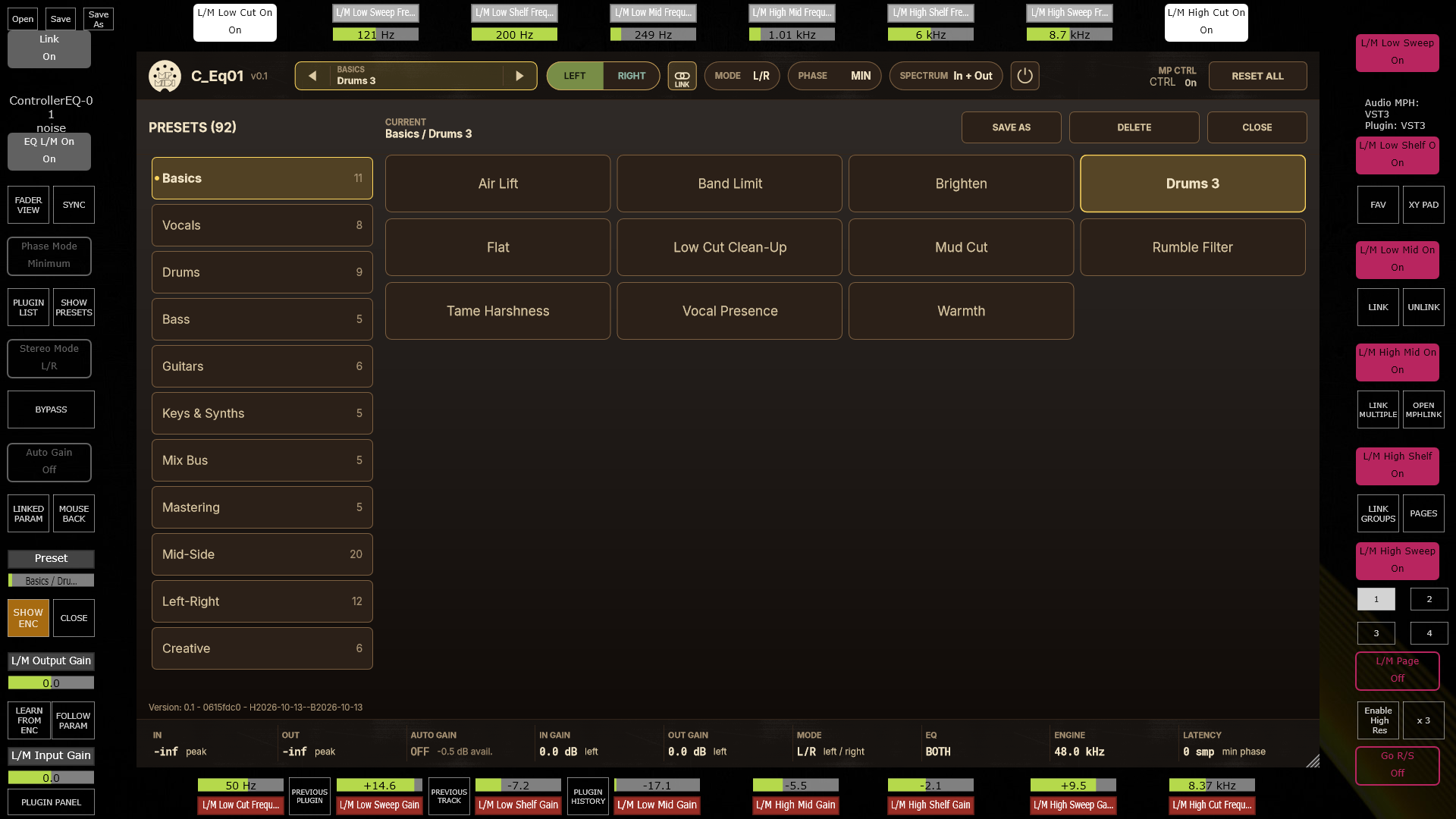
Navigating Presets