
1. Bitwig Studio Control Surface Installation
The Bitwig Control Surface exists as a standalone app and VST3 plugin. This installation guide is the same for Mac and Windows.
It can control Bitwig Studio 6 and later, the Mixer, Bitwig native devices, third party plugins, transport and can navigate tracks and plugins, and can open/close the plugin windows.
Download and run the Bitwig Control Surface installer. Download and install the latest version of the MP Host plugins.
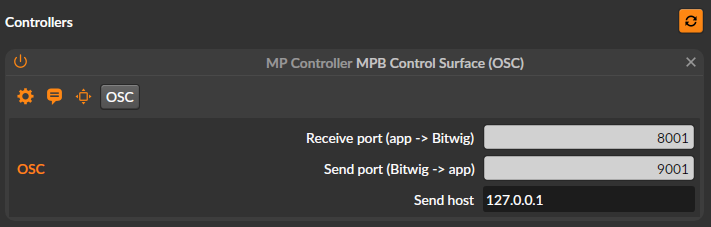
In Controllers choose MPB Control Surface (OSC).
The new control surface uses the OSC protocol to communicate with Bitwig and does not require MIDI ports.
The installer will create 2 shortcuts on your Desktop:
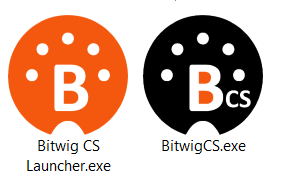
When you run the Bitwig CS Launcher it will start Bitwig Studio and a couple of seconds later the Bitwig Control Surface app.
When you open a project in Bitwig it will sync with the control surface when you select a track or a device.
Quitting Bitwig Studio will automatically quit the control surface as well.
Alternatively, you can load the BitwigCS VST3 plugin in your project. However, do not run both the Bitwig CS Laucher (or the Bitwig CS standalone app) and the Bitwig CS VST3 plugin.
When you use the standalone app, after each click or touch on the Control Surface will pass the keyboard focus to Bitwig Studio.
Continue to the documentation guide.