
2. Bitwig Studio Control Surface Documentation
Installation guide is here
Coming Soon in August 2026
The Bitwig Control Surface for the MP Controller has the ability to:
- Control Bitwig native devices upon selection. You can select devices from the CS as well.
- Control third party plugins. You can select devices from the CS as well.
- Automap native devices and plugins. Customize mappings and save default presets for each device and plugin.
- Control the mixer and send effects per track.
- Navigate tracks and select plugins and devices.
- Open/close device and plugin windows.
- Control the Bitwig transport.
See a demo video of the control surface.
Device and Plugin Control
Select a plugin or native Bitwig Studio device and the control surface will automap and sync its parameters.
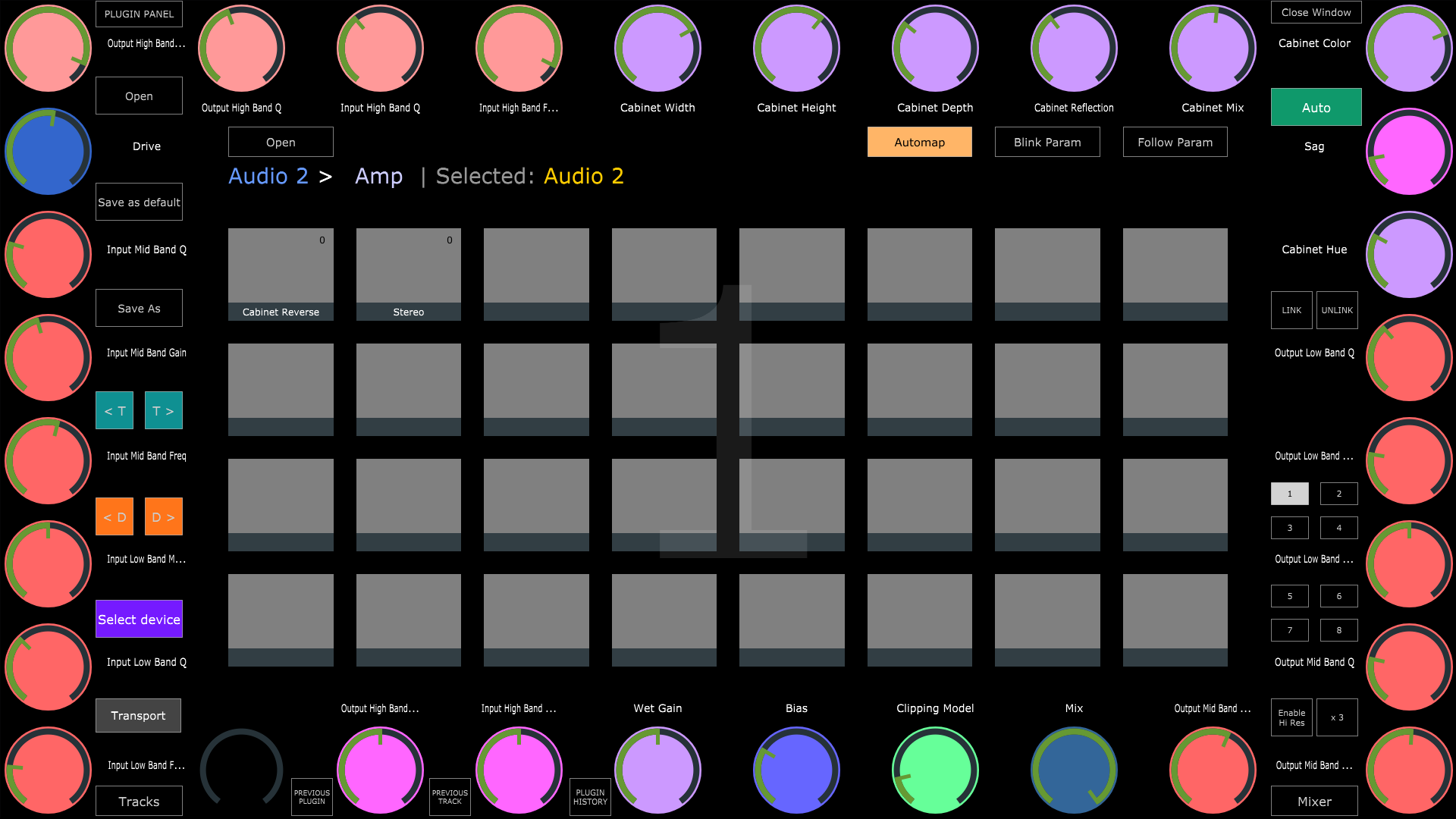
Follow Param. When enabled, the parameters changed in Bitwig Studio will cause the CS to change page to the affected parameter's page automatically.
Presets. You can Save as default a preset and every time a device or plugin is selected, the CS will load that preset. If there is no default preset, the CS automaps the selected device or plugin.
 Navigate Previous and Next Track.
 Navigate Previous and Next device of the selected Track.
Plugin Panel. Opens the MPH plugin panel which lists all the active MPH plugins in the Bitwig Studio project.
Note that the Control Surface is active and can control Bitwig studio when the controller window is open.
Mixer Control
Note that the mixer fader meters can only display up to 0.00 dB. This is due to a limitation of the Bitwig API.