
47. Detach Plugins
Detach Plugin
The Detach option enables to open multiple plugins which are not being controlled by the controller and can be moved freely to any other display. This allows you to view multiple plugins and control them with the mouse while you control another plugin with the MP Controller. It works both on the MP Single Host and Multi Host.
On the MP Single Host you can click the D button to detach it.
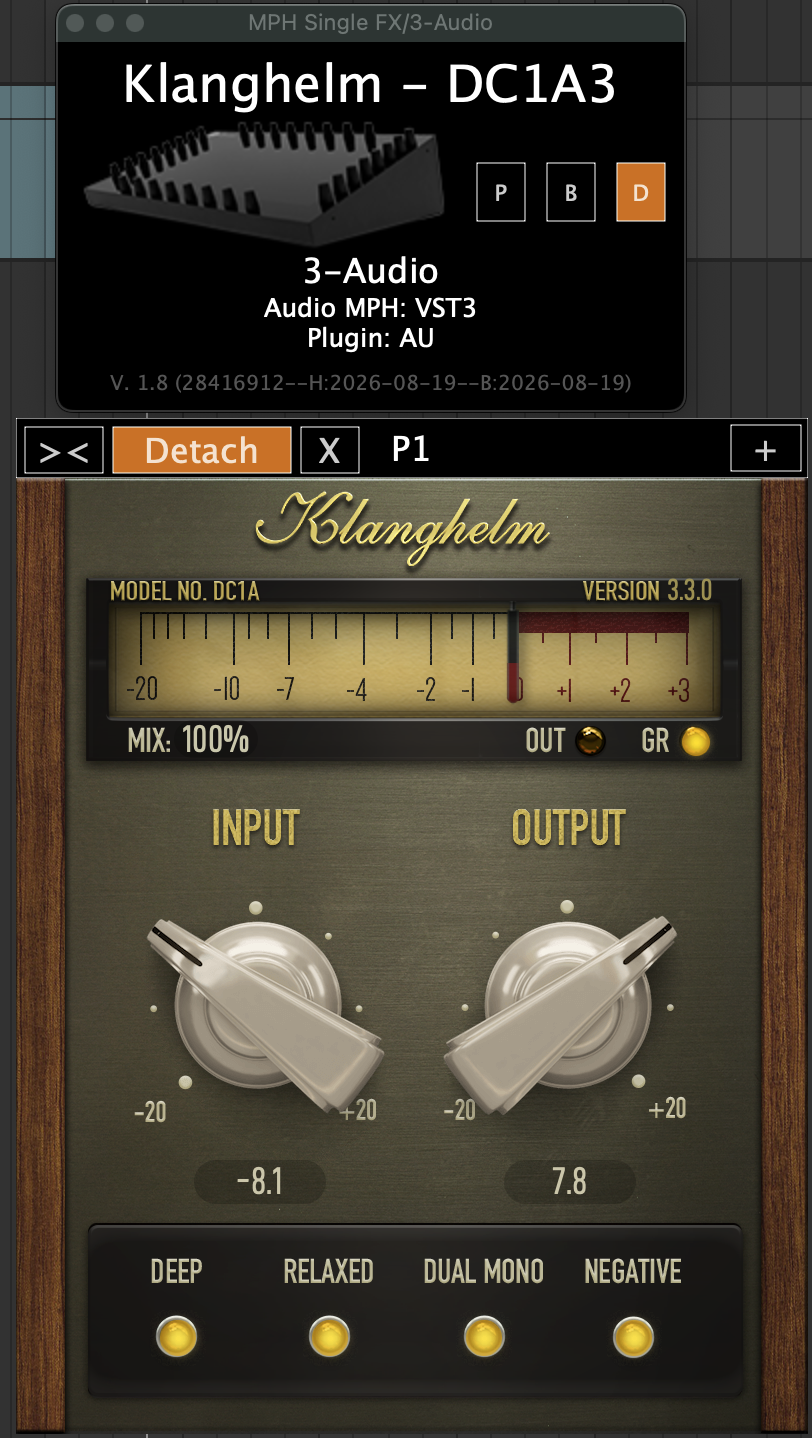
Clicking on the controller icon, on the MP Host small window will open and close the detached plugin but it will not highlight the icon like it does when in attached mode.
In both the Multi and Single Hosts you can detach a plugin from the Plugin Panel.
For the Multi Host it is the only way to detach a plugin.

In the Plugin Panel and Plugin History, detached plugins are highlighted with orange color:
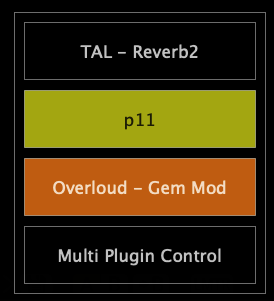
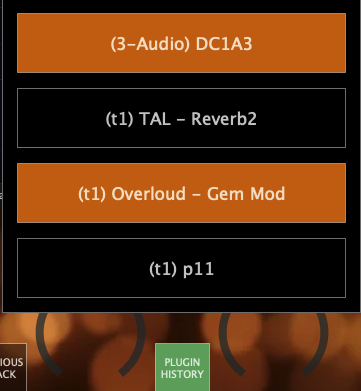
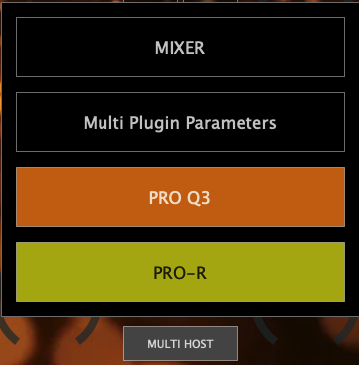
When you detach a plugin, it will activate the previous plugin on the MP Controller, so the controller display will not be empty and it will show the previously controlled plugin. The detached plugin will appear either on top of behind the current plugin open in the controller. If it is not visible because it is behind the plugin open on the controller click on the MULTIHOST plugin button or the Plugin Panel or small window button.
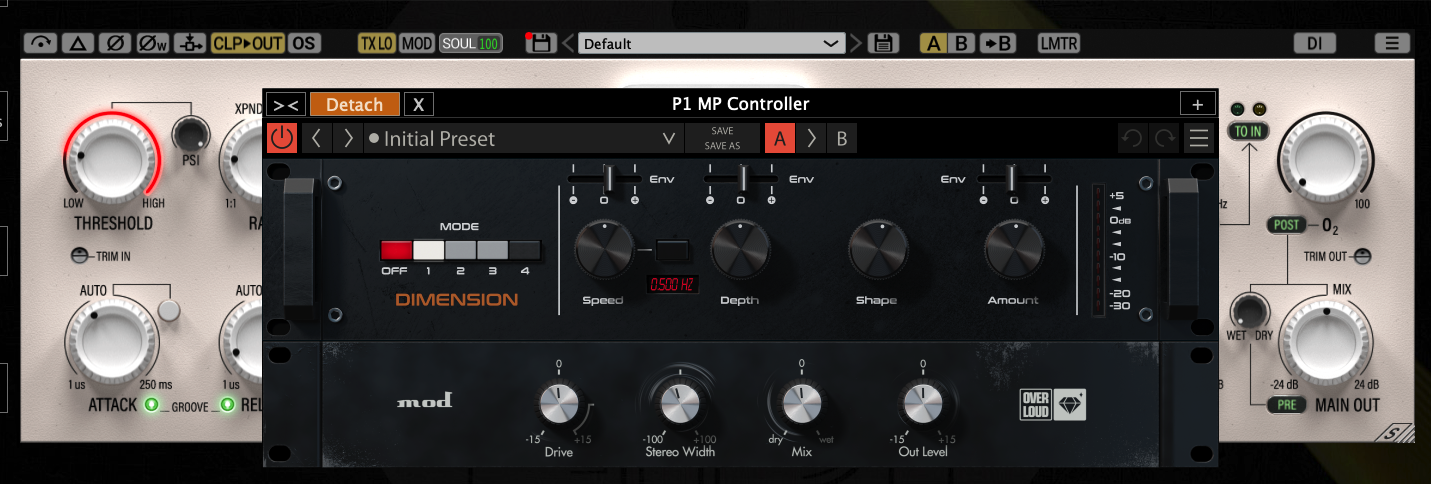
The detached plugins will retain the position when closing and opening the window. Closing the small window of either the Multi or Single Host will also close the windows of detached plugins. Opening the small window will open all the detached plugin windows.