
7. Mac - MP Touch Utility for moving the mouse cursor to the touch screen
MacOS does not support touch displays natively and it sees them as a mouse trackpad.
This means that when you touch the touch screen the mouse will move at the current location. If the cursor is on your main monitor it will move there just like a mouse pad. (it will relocate it automatically to the controller display).
Note that the Touch Utility simply transfers touch control to the touchscreen display.
Even without the utility, the touchscreen should still function as a large touchpad, allowing you to control the mouse cursor on the display where it is currently located. If the touch screen does not control the mouse, check first that it is connected and that it shows in the System Report under the USB tree. See more troubleshooting steps here
To address this problem we have created a small utility that takes the mouse cursor automatically to the controller's touch display when it detects a touch gestrue on the controller's display. The utility supports Model 2A.
The installer/uninstaller can be downloaded from here
While this utility serves its purpose, UPDD provided by Touch Base for the MP Controller is a more advanced tool that offers many benefits and although it is optional we recommend it. See here
If you are already using UPDD you should not install this utility because it will conflict with UPDD. Uninstall UPDD and install this utility. The installer will not let you install it if UPDD exists on your computer.
How to install
Run the installer and enter your password when asked.
Click Allow when asked about System Events.
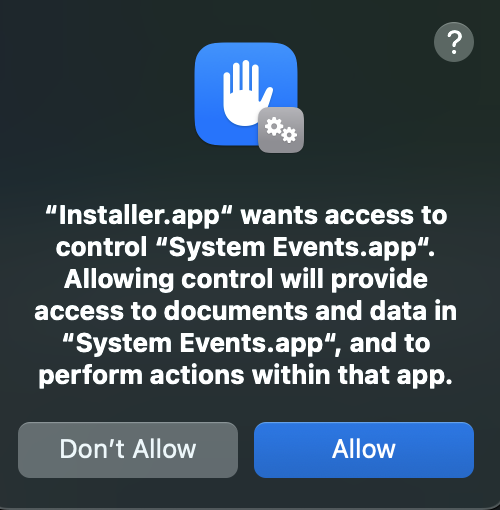
and then click OK
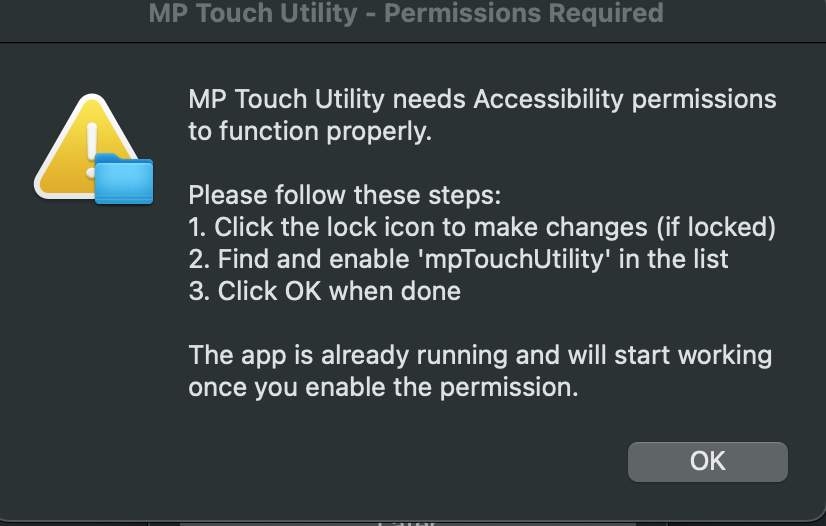
Enable it in Accessibility under Privacy and Security

The application should be running and there is a small icon on the top bar.
Click on the icon

Select the controller's display (it should be the last display on the list, 1920x1080)

Click on Check Permissions, you should see a pop up window
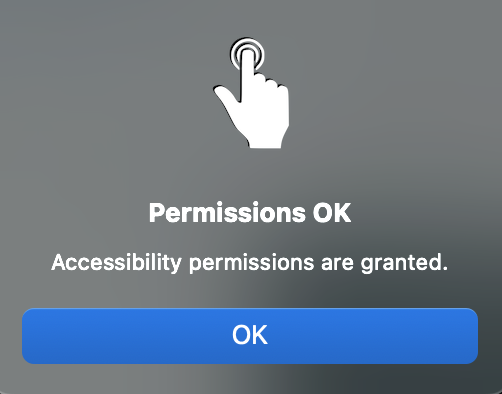
Now, quit the Utility and open it from Applications
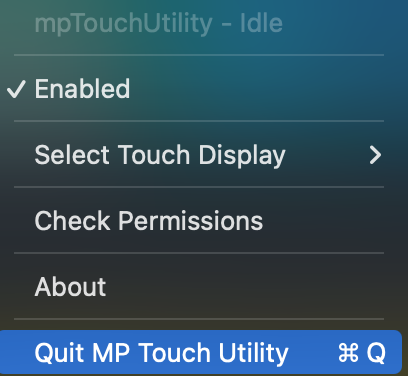

To test it, tap once on the touch screen, you should see the mouse cursor go there at the center of the display.
From there you can use it normally on the touch screen.
It will start automatically every time you login on your Mac.
If you decide to get UPDD later on, you can run the uninstaller and install UPDD.