
1. Cockos Reaper Control Surface Documentation
Installation
Download and run the ReaperCS installer from the user portal.
The installer installs the ReaperCS Launcher on your Desktop so that you can start it with Reaper. Once you quit Reaper it will quit the ReaperCS automatically.
The installer copies:
- The ReaperCS Launcher on your Desktop
- The ReaperCS app in Applications on the Mac and in C:\Program Files\ReaperCS on Windows
- The bridge Reaper control surface integration plugin in /Users/USERNAME/Library/Application Support/REAPER/UserPlugins/reaper_csbridge.dylib on the Mac.
Then run the ReaperCS Launcher from your Desktop. It will start Reaper and the ReaperCS app which is the control surface app.
To uninstall, run the uninstaller.
Views
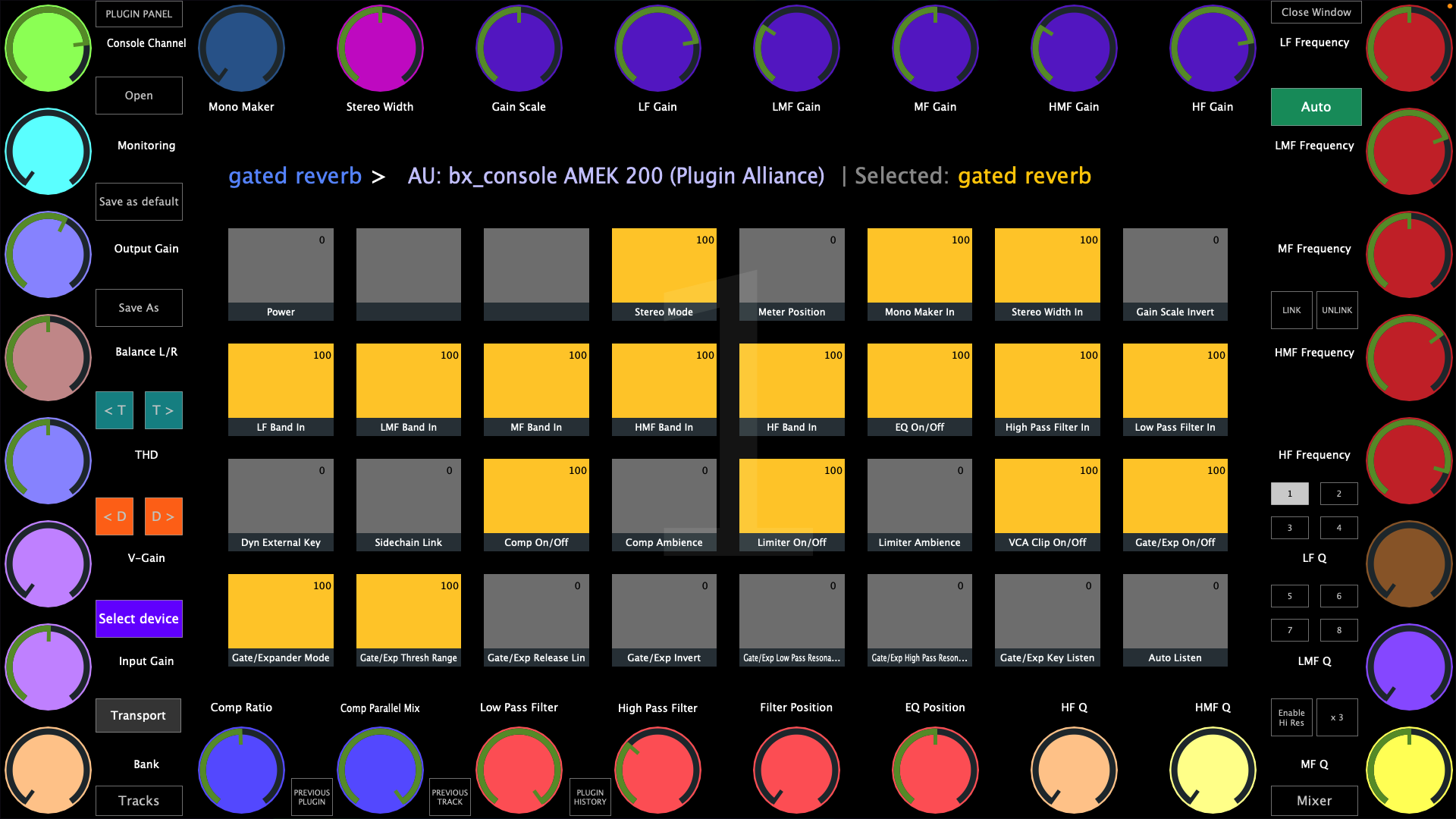
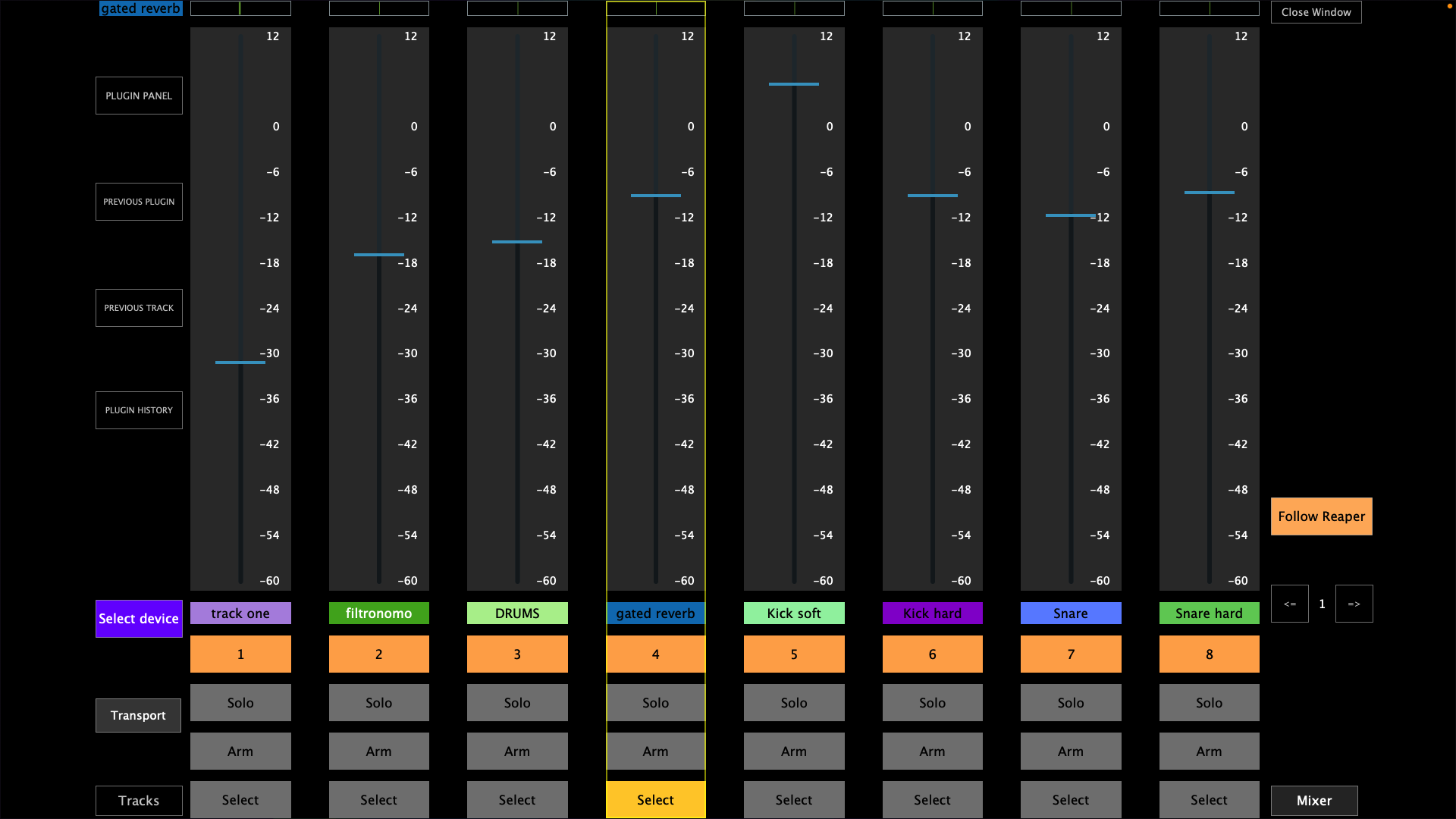
There are 3 views in ReaperCS:
1. The main view for controlling Reaper devices and plugins
2. The Mixer view for controlling the mixer
3. The Selected Device view for selecting the device you want to control from the current track
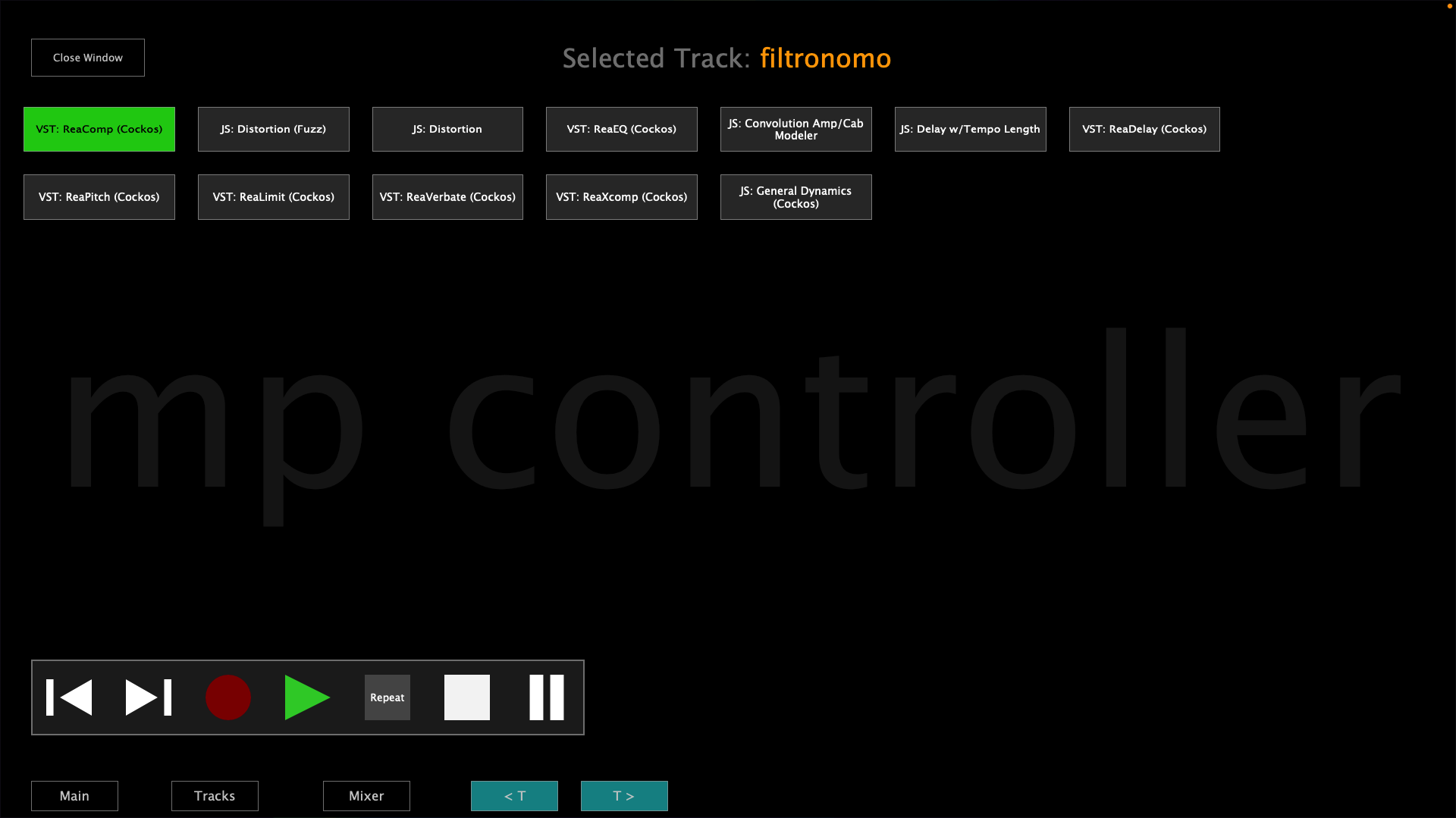
Each view has the option to control the transport controls and on the Select Device view the trasport controls are shown permanently while on the other views the transport control window shows/hides when the Transport button is pressed.
Selecting and controlling devices