
1. Fender Studio Pro and Presonus Studio One Control Surface Installation Windows and macOS
Installation on Windows
Download and install loopMIDI which is a free utility software for creating virtual MIDI ports.
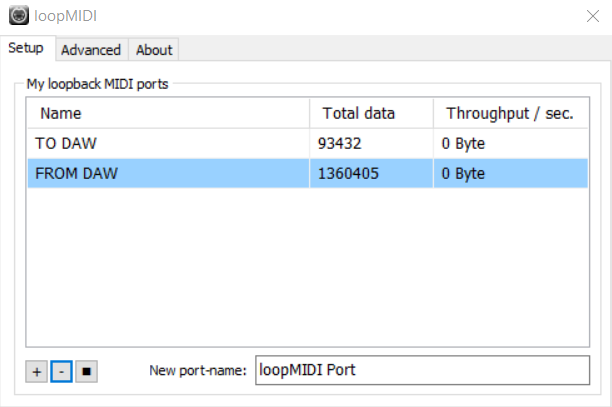
Open loopMIDI and create 2 ports by entering the name in the New port-name box and click +.
Download and run the Fender CS installer from your account.
Installation on macOS
Download and run the Fender CS installer from your account.
How to start the Control Surface on Windows and macOS
You will see 3 icons placed on your Desktop
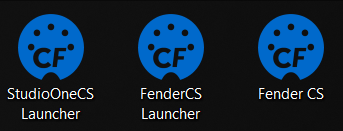
The Launchers apps will start Fender Studio Pro or Studio One and the Control Surface app. Closing the DAW will also quit the Control Surface app.
The Fender CS icon will simply start the Control Surface app but without opening the DAW.
Proceed to the documentation page.