
1. Reason Control Surface Installation - Mac OS
We have created a control surface to control Reason's native devices, extension devices and plugins.
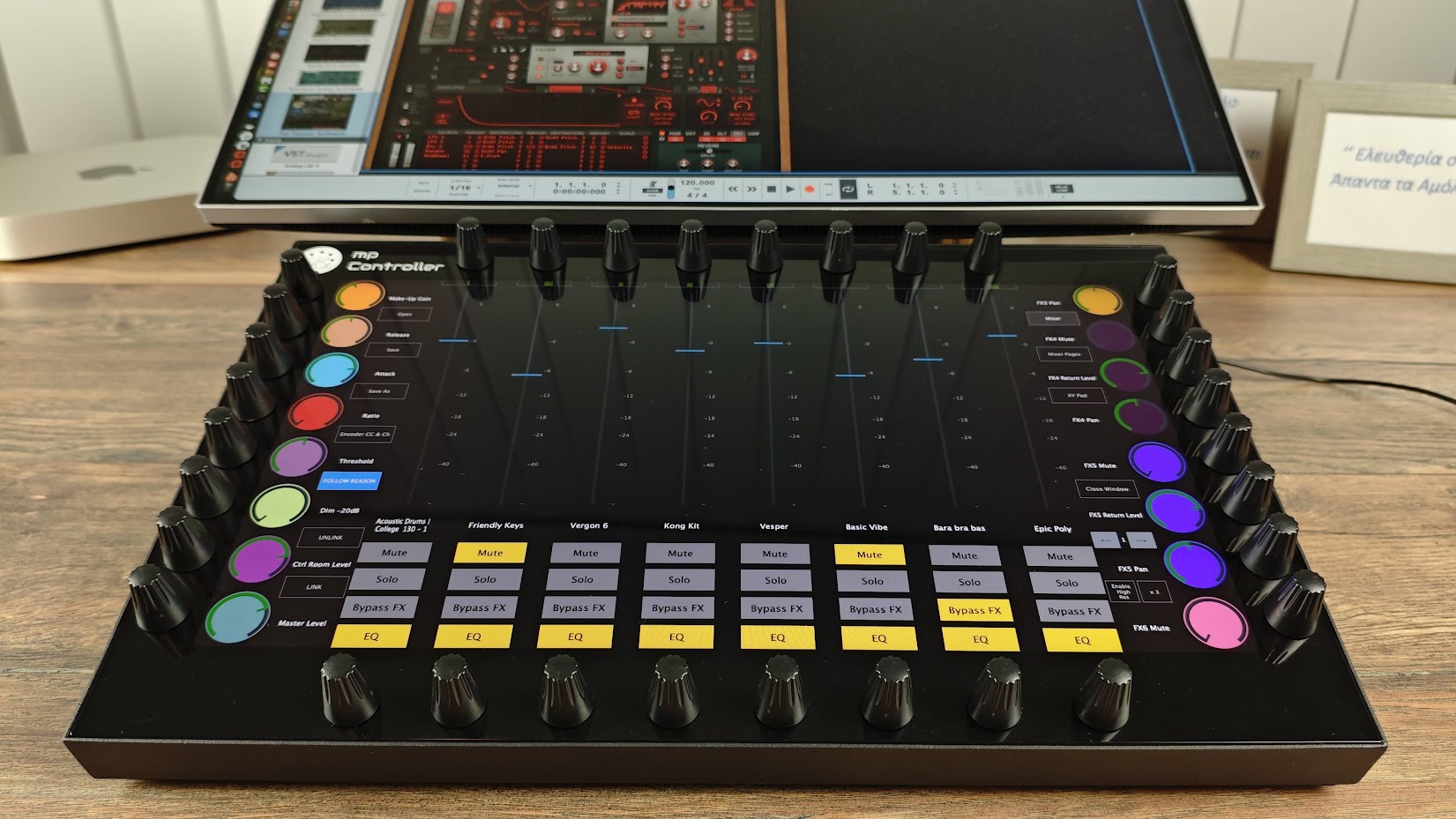
Download the installer from the user portal and run the installer on MacOS. It will install the following:
- The Reason Control Surface app. in the Applications folder
- The Reason Control Surface launcher on your Desktop
- The presets for Reason native devices in the /MP/Host/MP Reason CS Presets
- The Reason Control Surface scripts and remotemap file in
~/Library/Application Support/Propellerhead Software/Remote/Codecs/Lua Codecs
~/Library/Application Support/Propellerhead Software/Remote/Maps
Note that the MP Controller must be connected to the computer for the Control Surface app to work
Installation and Control Surface configuration:
The first time, run the Reason Control Surface app from the Applications folder.
MacOS will ask for your permission. See this page on setting the permissions and then continue with the rest of this article.
Run the Reason Control Surface launcher from your Desktop.
Repeat the same for the permissions needed as above.

and it will start the control surface app and Reason.
The launcher app is made for Reason 13 and Reason 14. It requires Reason to be in the Applications folder.
If it does not start the Control Surface app and Reason, it is probably an issue with the permissions required.
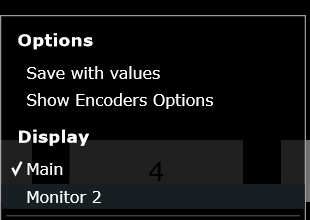
Set the Display of the controller so that the Control Surface app appears there automatically. Right click on the empty area above the buttons and the following menu will appear. Select the last monitor in the list.
Reason MIDI Configuration
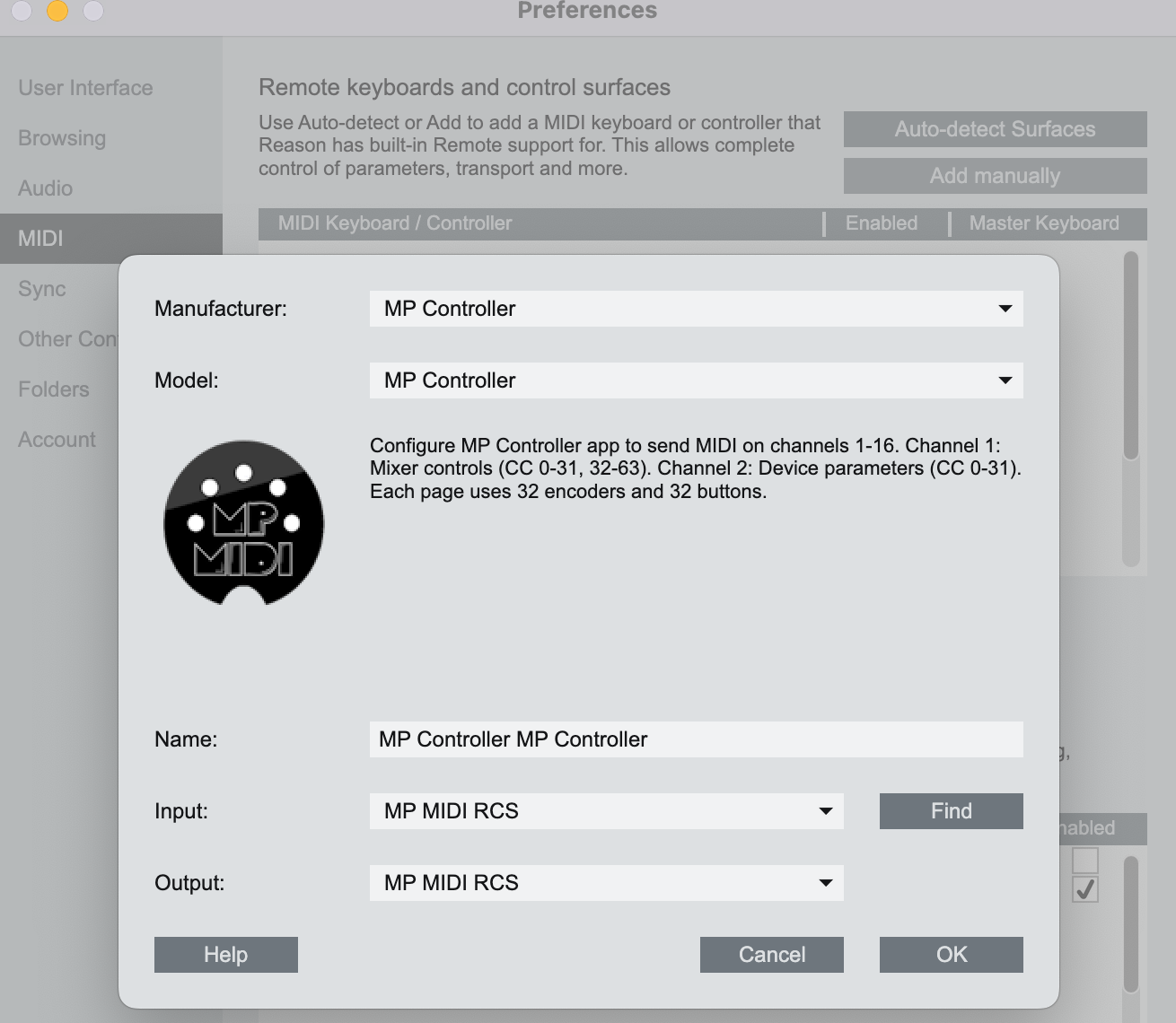
Open Reason > Preferences and add the control surface. Click on "Add Manually" and select the MP Controller and the available MIDI ports.
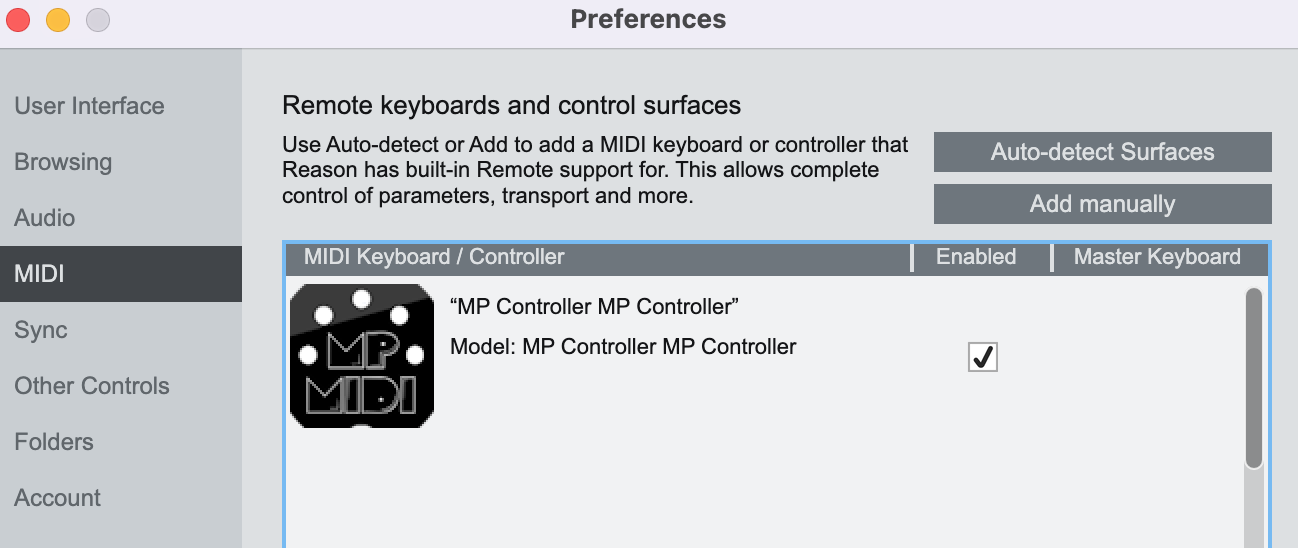
When you close Reason, the control surface app will quit as well after a couple of seconds. When running the Launcher it takes a few seconds for Reason to send all the necessary data to the control surface. You can then select any device or track to control it.
On Mac the Reason Control Surface app must start before Reason so that it finds its MIDI ports.
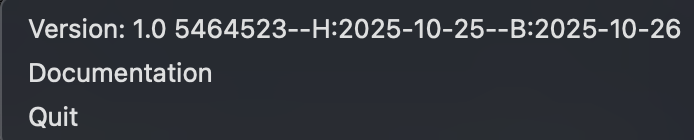
To view the version or quit of the Reason Control Surface right click on the bar icon
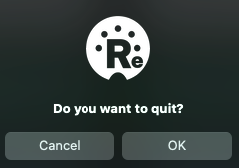
To quit click OK on the popup window:
When running the Launcher it takes a few seconds for Reason to send all the necessary data to the control surface.
You can then select any device or track to control it.
Next: Documentation of the Reason Control Surface