43. Specific plugin settings
Very rarely, some plugins do not strictly follow the VST protocol and may behave slightly different than expected.
Some Roland VST3 plugins do not produce sound on Windows. VST2 works as expected.
SoundToys on the Mac
For better compatibility and parameter syncing use VST2 or VST3 instead of AU.
Plugin Alliance VST3 plugins in Ableton Live on Windows
Depending on graphics drivers and system setup, the UI of plugins may not sync when turning encoders (although the value changes) because of a design flaw in PA plugins. The problem occurs without the MP Host as well. This is well a known issue with PA plugins and Ableton Live on Windows. VST2 plugins in Live still get parameter change callbacks that are tied more directly to UI updates so that is why they work.
Ozone 12 on Windows
If Ozone's UI is not showing correctly use the "Windows Unified" option from the right click menu.
Serum 2 on the Mac
In Logic Pro use the Serum 2 AU. Load it without the Automap enabled and link the parameters you need via the 3 linking methods available. In other DAWs use Serum 2 VST3.
Arturia AU plugins on the Mac
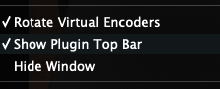
Some Arturia AU plugins may show strange glitches and artifacts on the MP Host window. Enable the Top bar from the right click menu and optionally save it as a preset. It will eliminate these artifaces. Alternatively, you can use VST2/3 which do not show these artifacts.
Omnisphere
See here
Kontakt 8
If you experience strange behavior when using Kontakt 8, add this line in host.properties file (open with a text editor)
and add this line:
<VALUE name="unload_big_window_on_switch" val="1"/>
Right before the last line, </PROPERTIES> so it will look like this:

Save the file and start your DAW.
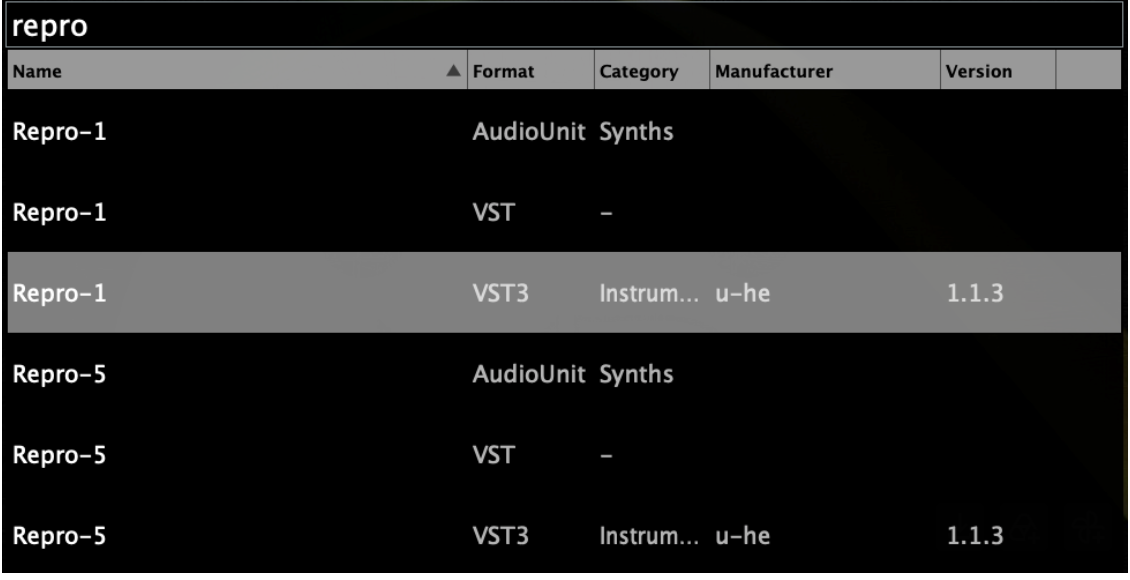
U-He Repro-1 and Repro-5
To show Repro-5 VST3, right click and scan on the Repro-1