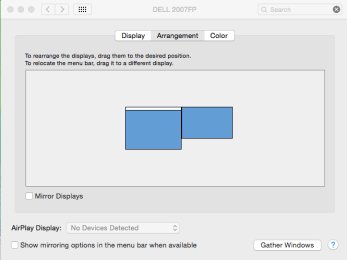
5. MacOS Dock appears on the display of the MP Controller
If you place the displays on top of each other (Display arrangement) Mac OS places the dock on the bottom display
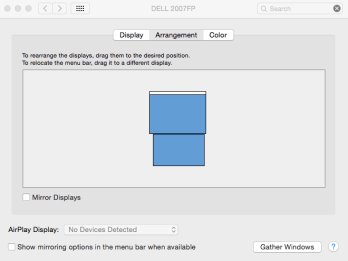
This is done by Mac OS and it happens with all displays.
DockLock Lite, available on the App Store, can be used to keep the Dock visible only on the main display.
After the 7-day trial period, the Dock-locking functionality should continue to work, while more advanced features, such as hotkeys, will be disabled.
This allows the Dock to remain on the main display without appearing on the bottom display. However, the “Displays have separate Spaces” option must remain enabled in macOS settings.
If you arrange them side by side then the dock can be placed on either display.