
Sending MIDI to different tracks in Ableton Live from the MPSEQ
Here is how to send MIDI to different tracks in Ableton Live from a single instance of the MP Sequencer (plugin and standalone MPSEQ). The same principle applies to other DAWs.
Create a virtual port in loopMIDI, named TO DAW.
On the Mac the Virtual MIDI ports are already created and named MPSEQ.
Select this port in the MIDI out of the sequencer pages you want to use. Then select the MIDI channel to send MIDI output.
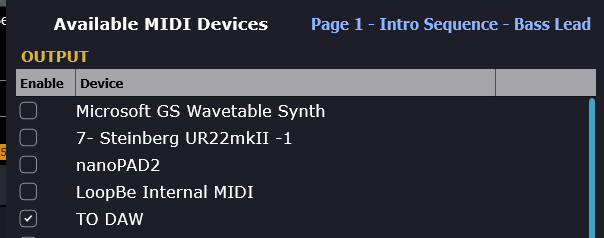
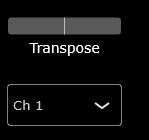
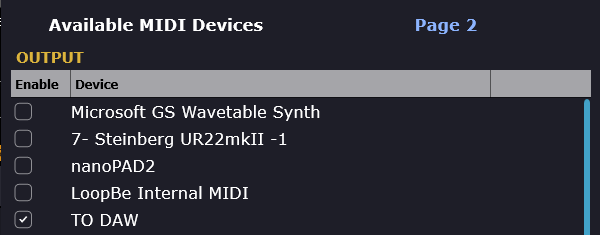
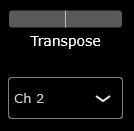
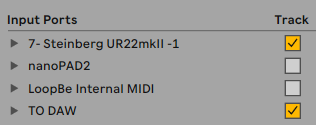
Set the Input port in Ableton Live settings, Track - checked
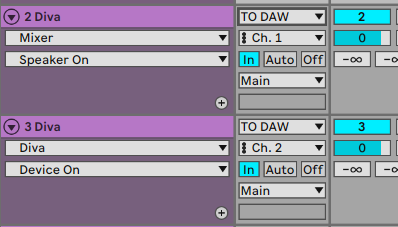
Select the MIDI IN port and Channel on the Ableton Live track
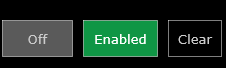
Ensure that all pages are set to Enabled in MPSEQ
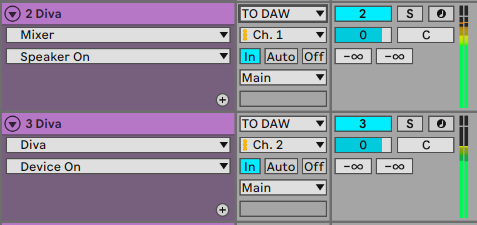
Press G.Play and your instrument tracks will play.
In case you are using the standalone MPSEQ, to enable Play/Stop from the DAW see here